How Stylehubly Works
Get started in minutes and transform your daily styling routine with AI-powered recommendations
Quick Start Guide
Watch How It Works
See Stylehubly in action in this 2-minute video
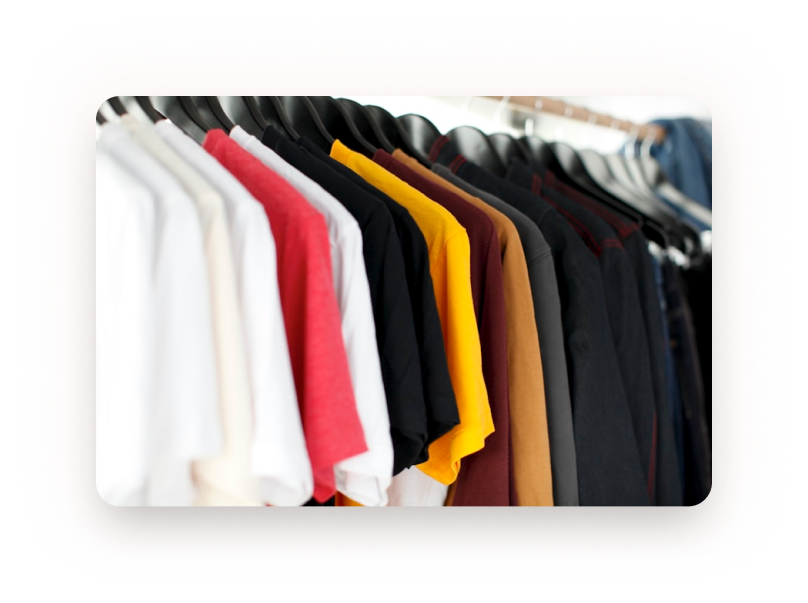
Upload Your Wardrobe
Take photos of your clothes and our AI will automatically categorize them by type, color, and season.
- ✓ Snap photos with your phone camera
- ✓ Upload existing photos from your gallery
- ✓ Bulk upload multiple items at once
- ✓ AI automatically detects and categorizes

Set Your Preferences
Tell us about your style preferences, upcoming events, and connect your calendar for smart suggestions.
- ✓ Choose your style preferences
- ✓ Connect your calendar (Google, Outlook)
- ✓ Set your location for weather updates
- ✓ Define favorite colors and styles

Get Styled Daily
Receive personalized outfit recommendations every day based on weather, events, and your unique style.
- ✓ Daily outfit suggestions delivered
- ✓ Weather-appropriate recommendations
- ✓ Event-based outfit planning
- ✓ One-tap outfit selection
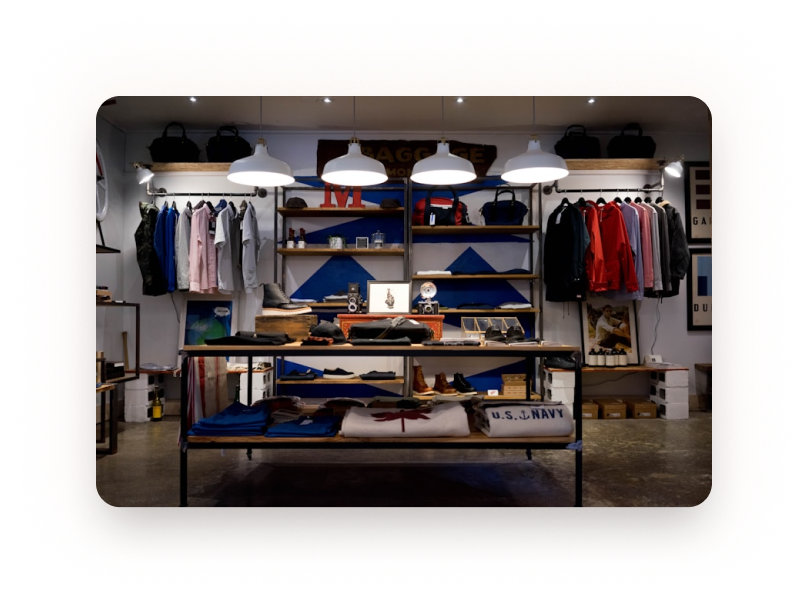
Shop Smart
Discover missing items and shop curated recommendations to complete your perfect wardrobe.
- ✓ AI identifies wardrobe gaps
- ✓ Curated shopping recommendations
- ✓ Price comparison across retailers
- ✓ Save favorites for later
Frequently Asked Questions
Common questions about getting started with Stylehubly
How many clothes do I need to upload?
Start with 10–20 items to get good recommendations. You can add more anytime!
Does it work with any clothing style?
Yes! Stylehubly works with all styles - casual, business, formal, streetwear, and more.
Can I use it without uploading my wardrobe?
While you can browse features, uploading your wardrobe unlocks personalized recommendations.
How accurate are the weather-based suggestions?
We use real-time weather data and learn from your feedback to improve accuracy.
Ready to Get Started?
Join 500,000+ users who transformed their style with Stylehubly.